

I spent three years doing freelance drafting work on a desk I built myself. Solid oak top, mortise-and-tenon legs, finished it with two coats of tung oil. I was proud of that desk. Then I put two monitors on it and you couldn't see any of it. Two plastic stands, each with a fat base, chewing up most of the back half of the surface. My coffee mug had to sit at an angle or it would get knocked over. Lexi could not even fit her nose past the leg of the desk without bumping something.
I knew about monitor arms. I had seen them in photos of office setups that look like a mission control center. I figured they were for tech people who spend money on gear to feel professional. I am a retired carpenter. I do not need mission control. I need a desk I can actually work on.
What changed my mind was a simple thing. I was rerouting some cables under the desk one afternoon and I knocked one of the plastic stands off the back edge. It did not break, but in catching it I got a look at the desk surface without the stand sitting on it. Six inches of clean oak I had not seen in years. I thought about that more than I should have.
A week later I ordered the VIVO dual monitor arm, the STAND-V002. Sixty thousand reviews on Amazon and a price that cost less than the hardware I bought last month to fix the fence gate. Steel construction. C-clamp mount. Holds screens up to thirty inches and twenty-two pounds each. My monitors are both 24-inch panels from a few years back, so I was well inside the spec.
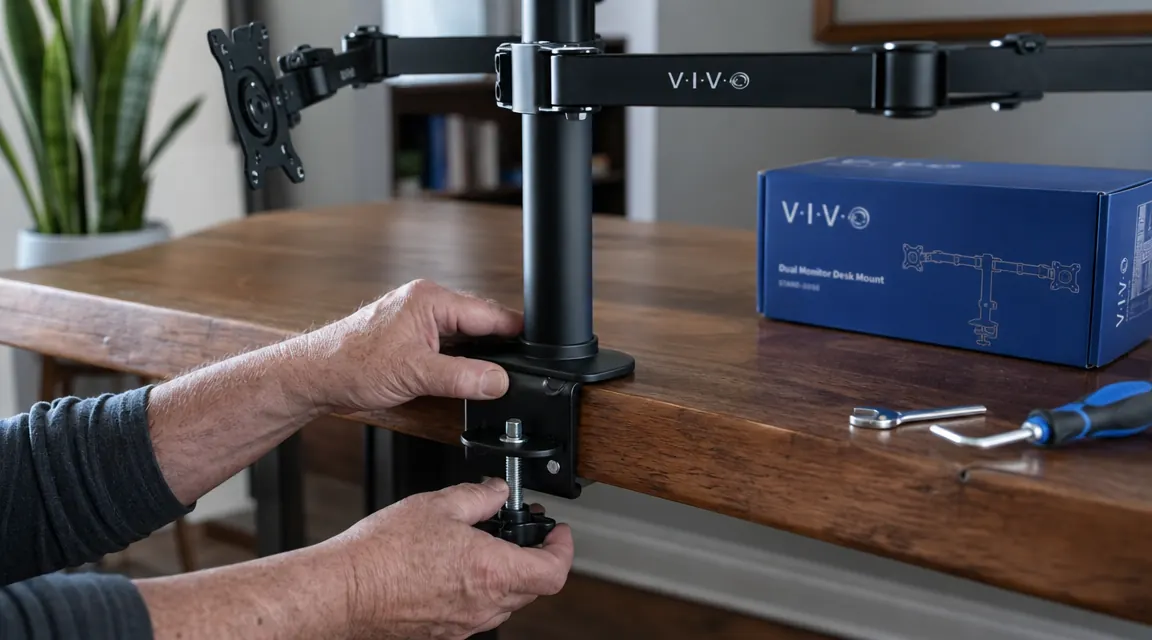
Getting it mounted took about forty minutes. I am not counting the time I spent reading the instructions twice, because I do that with everything. The C-clamp tightened down onto the back edge of the oak top with no drama. The steel arms move with some resistance, which is what you want. If they swung freely they would drift on their own. These hold position. I set the heights, tilted the screens toward me at a slight angle, and then I stepped back.
Six inches of clean oak I had not seen in years. I thought about that more than I should have.
That oak surface is yours again. The VIVO arm is budget-friendly.
The VIVO STAND-V002 holds two monitors up to 30 inches each on a single C-clamp mount. Steel arms, full tilt and rotation, built to hold position. Over 60,000 reviews on Amazon.
Amazon Check Today's Price on Amazon →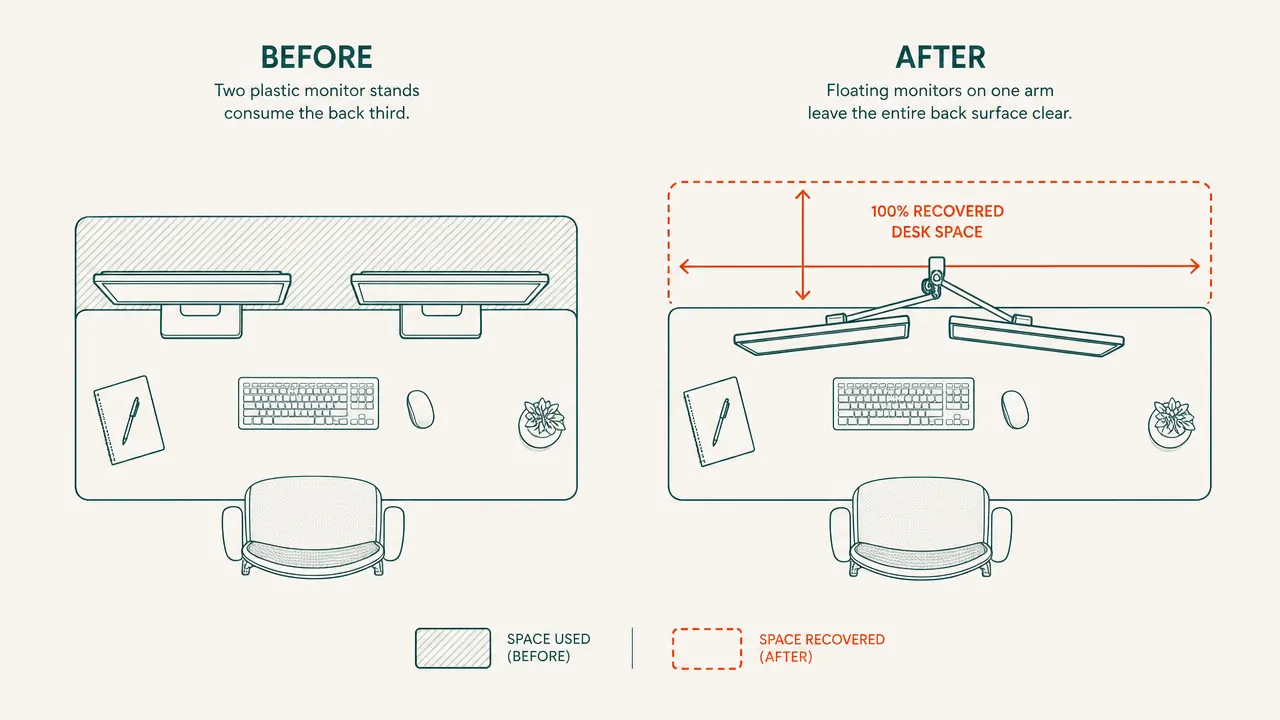
The desk looked like a desk again. Not a monitor storage shelf with a small work area in front. The oak top was visible from edge to edge. I put my coffee mug in the center where it belonged. Lexi walked past without bumping anything. I sat down and the screens were right where I had set them, eye level, no craning the neck.
What I noticed over the following days surprised me more than the space did. My posture changed. When the monitors were on stands they were each at a slightly different height because the stands were not identical. I had been tilting my head left for years without knowing it. With both screens on the arm I set them to the same height at the same time and the tilt went away. My right shoulder stopped aching by the end of the second week.
There are a few things worth knowing before you buy. The C-clamp has a good grip but it leaves marks on softer wood edges over time. I wrapped mine with a piece of scrap leather before tightening, which is something a carpenter would think to do and most people would not. If you have a thicker desktop, like I do at two inches, the clamp reaches it fine. The instructions mention a grommet mount option as well if you would rather drill a hole than use the clamp.
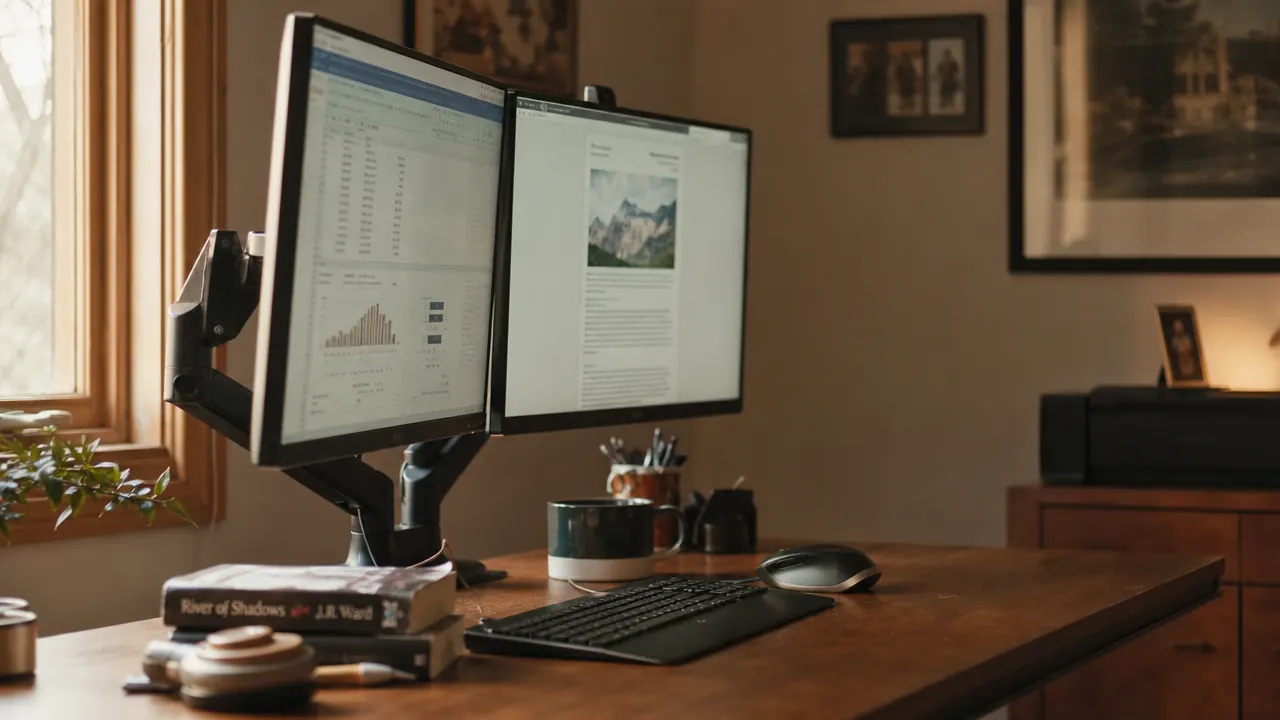
Cable routing took me an extra fifteen minutes. The arms have built-in channels along the back that keep the monitor cables from hanging loose. I routed both power and video cables through and used a couple of zip ties at the bottom. Not invisible, but clean. Neater than the birds-nest I had before.
I have had the arm up for about eight months now. The tension in the joints has not changed. The screens are exactly where I set them. No drift, no sag. That is what I look for in any piece of hardware. Build it right, set it once, and then forget about it.
What I'd Tell You If We Were Sitting at My Kitchen Table
Here is the honest version. If you built your desk yourself and you are proud of it, those plastic stands are covering it up. A monitor arm does not just free the surface, it puts both screens exactly where your neck needs them and keeps them there. The VIVO arm is steel, it is straightforward to mount, and it costs about what you would spend on dinner for two. I was skeptical because I thought it was a tech-person purchase. Turns out it is a carpenter's purchase. Good steel, solid joints, built to last. I wish I had done it in year one instead of year three. If your monitors are sitting on their factory stands right now, that is the one change I would make before anything else on the desk.
If the stand is still blocking your desk, this is the fix.
The VIVO STAND-V002 dual monitor arm clamps to any desk edge, holds two screens up to 30 inches, and is budget-friendly. Solid steel. Built to hold position for years.
Amazon Check Today's Price on Amazon →